Creative Pebble V3 Review: Repeat for a Small Desk?
Disclosure: As an Amazon Associate I earn from qualifying purchases. If you buy through links on this page we may earn a commission at no extra cost to you. How this review was made: We did not perform an audio test. Tom’s Guide and PCGamesN provide hands-on Pebble V3 reviews, and Creative supplies product documentation; the cited sources do not establish long-term durability, and the linked listing’s exact hardware variant is not confirmed here. Our method.
A repeat buy for laptops and compact desks
The Pebble V3 does three affordable things well: it gives a laptop stereo separation, supports USB audio and Bluetooth, and fits a very small workspace. Hands-on reviewers praise clarity relative to its size while agreeing that the lowest bass is thin. These are not home-theater speakers, but they can make casual listening and video dialogue much nicer without a complex setup. For that everyday desk role, Repeat is a reasonable editorial verdict.
Check current price on Amazon → Prices and availability change often, so we don't list them here.Buy it again if you…
- upgrade weak laptop speakers for dialogue or music
- have little desktop space
- want USB-C audio with occasional Bluetooth pairing
Skip it if you…
- expect room-shaking bass or a subwoofer
- need a built-in headphone output
- want wireless power or portable battery operation
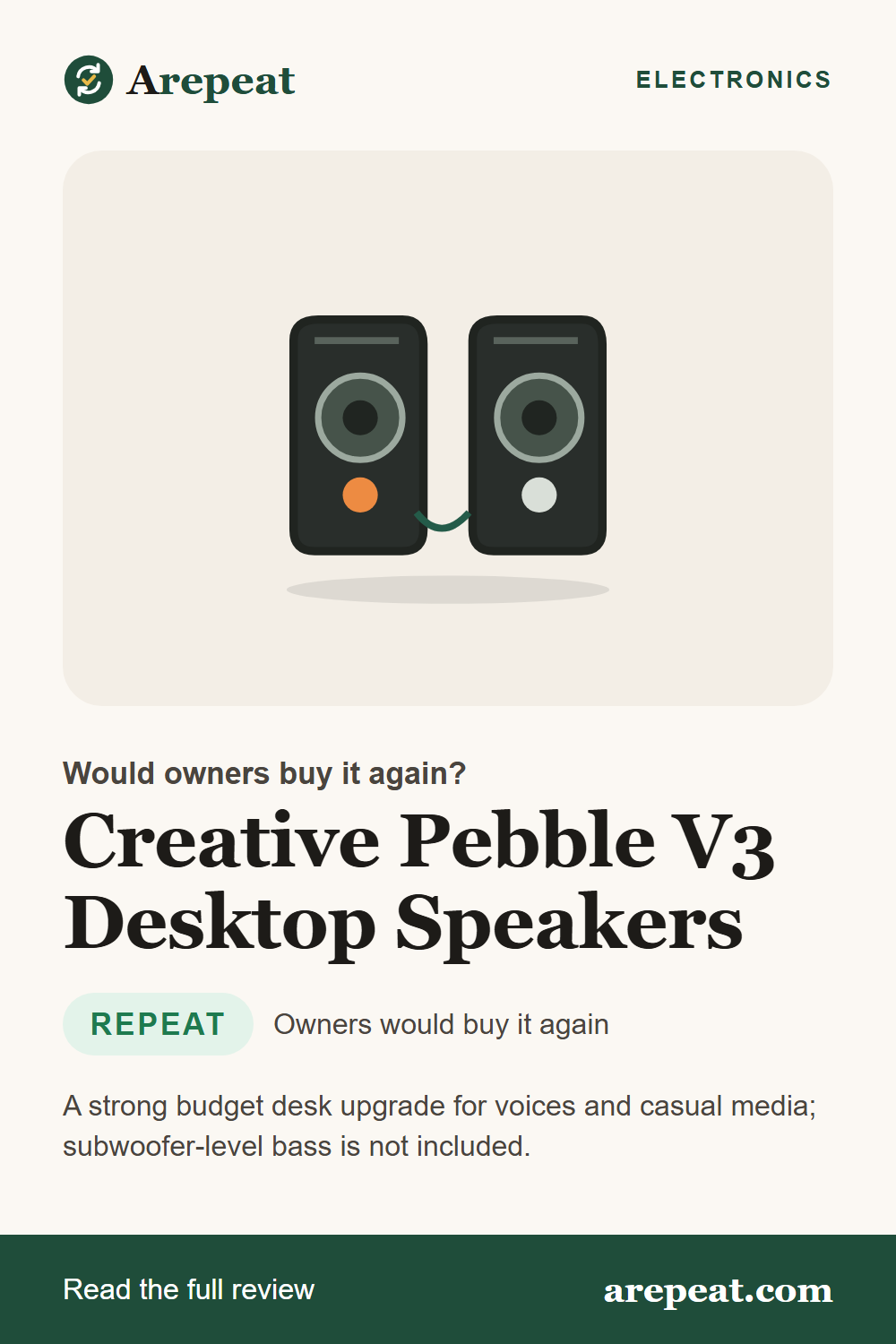
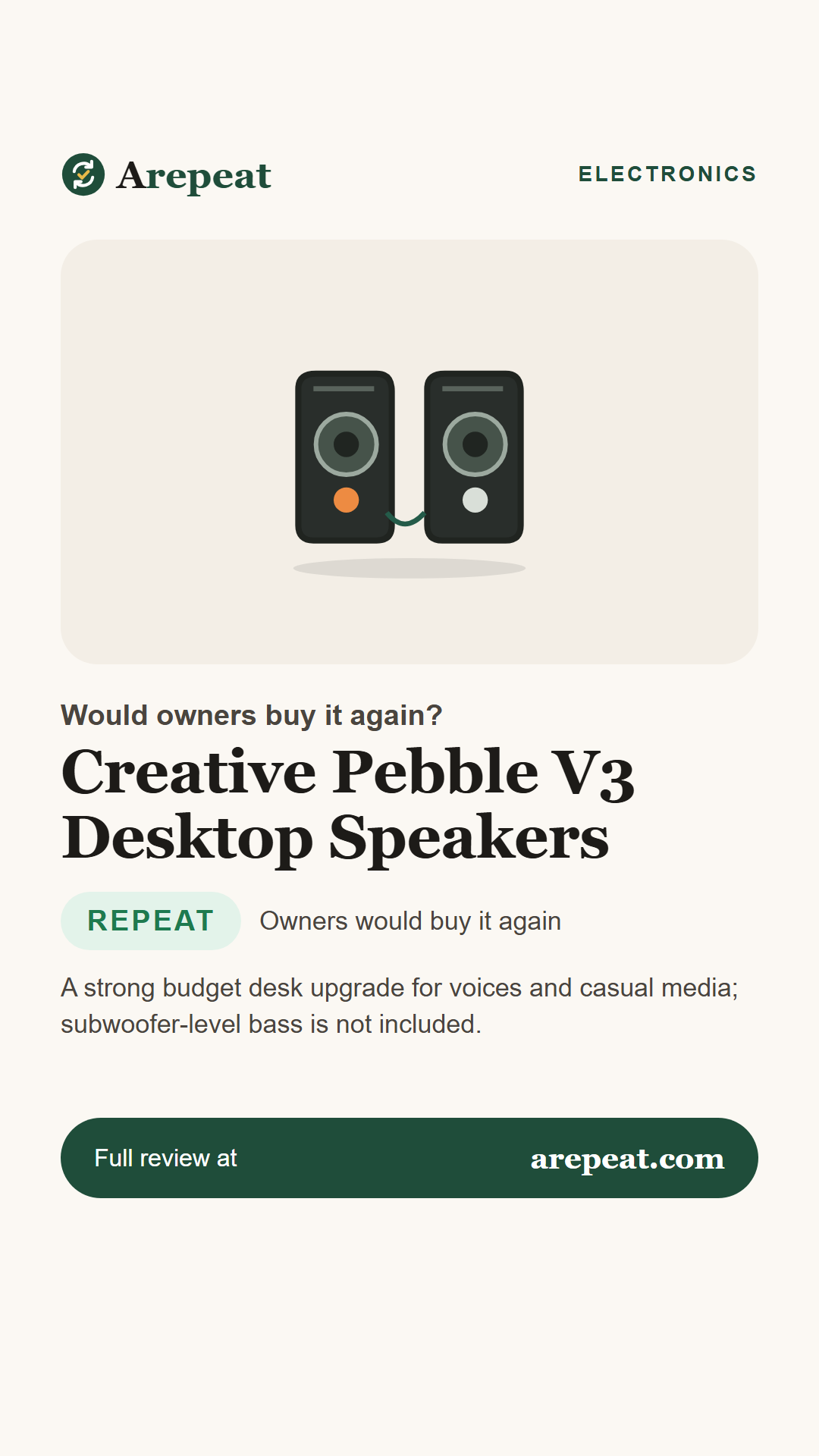
Creative Pebble V3 consists of two round 2.25-inch-driver desktop speakers linked by a wire. The right speaker handles the volume control and connectivity, with USB-C carrying audio and power and additional Bluetooth and analog input options.
The key question is whether the sound and convenience justify replacing built-in laptop audio. Two independent reviewers found the answer usually yes for a small desk, but they also documented the shallow bass and limited controls that come with the tiny enclosure.
What owners say, at a glance
Bars are editorial visual summaries, not measured satisfaction percentages, survey results or laboratory scores.
The key specs
| Model | Creative Pebble V3 / MF1700 |
|---|---|
| Configuration | 2.0 stereo; two tethered satellite speakers |
| Drivers | 2 × 2.25-inch full range with passive radiators |
| Connections | USB-C audio/power, Bluetooth 5.0, 3.5 mm auxiliary input |
| Power | Up to 8W RMS / 16W peak under specified USB power conditions |
| Practical limitations | No built-in subwoofer, no headphone output |
What owners love
What owners complain about
How it holds up over time
The sources give equipment design and listening impressions but not statistically meaningful years-of-use failure data. Because the speakers are connected by permanently attached cables, poor routing or hard tension is a practical wear concern. This is a handling consideration, not a documented high defect rate.
Keep USB power within the maker’s 5V guidance and avoid plugging into unknown power sources. Dust from a desk is easier to manage than physical damage to the exposed front drivers, so place the satellites away from spills and knocks.
Tips from owners and testers
- Try USB-C audio first for a one-cable desk setup; use Bluetooth for a phone when convenient.
- If volume seems low, check the gain switch and the recommended power conditions in Creative support.
- Position each speaker on opposite sides of the monitor to preserve the stereo image.
- Do not expect a large bass response; move up to a speaker-and-subwoofer system if bass is your priority.
Pros and cons
What owners love
- Good stereo and vocals for small size
- USB-C audio, Bluetooth and aux
- Extremely desk-friendly footprint
- Simple volume knob
- Independent hands-on praise
What owners complain about
- Limited deep bass
- No headphone output
- Tethered speaker cables
- Maximum output depends on power input
Sound options for different rooms
These two desktop-speaker alternatives are not yet reviewed on Arepeat; confirm their listing versions before purchase.
| Model | Approach | Consider it if… | |
|---|---|---|---|
| Creative Pebble V3 Desktop Speakers (this review) | Two-piece 2.0 desktop stereo | You sit at a PC desk | See on Amazon |
| Creative Pebble V2 USB-C Speakers | 2.0 wired desktop stereo | You want a similar desk system without V3 Bluetooth | See on Amazon |
| Logitech Z313 2.1 Speaker System | 2.1 desktop system with subwoofer | You favor deeper bass over the small footprint | See on Amazon |
Need better sound without a big desk setup?
Confirm the Pebble V3 model, USB-C connection and current seller details.
Frequently asked questions
Does Pebble V3 support Bluetooth?
Yes. Creative specifies Bluetooth 5.0 as well as USB-C and 3.5 mm audio.
Does it need a separate wall power adapter?
It can use an appropriate powered USB port; maximum output may need higher current. Follow Creative 5V requirements.
Are they wireless speakers?
Bluetooth carries audio, but the speakers still need USB power and a cable connecting the pair.
Do they have a headphone jack?
No. Tom’s Guide specifically lists no headphone output.
How strong is the bass?
Both hands-on reviewers found the deep bass limited compared with larger speaker systems.
Save this review for later
Pin it, share it, or send it to someone who's shopping for one.
Sources we analyzed
- Creative official Pebble V3 technical specifications — MF1700 specs, cabling, input, output
- Creative Pebble V3 official support FAQ — USB power and gain-switch details
- Tom’s Guide: Creative Pebble V3 review — independent listening impressions, bass and headphone jack
- PCGamesN: Creative Pebble V3 review (2025) — independent stereo, clarity, connection observations
- Device.report: Creative MF1700 — candidate Amazon ASIN cross-reference
Figures reflect each source as of November 11, 2026 and may change. We summarize owner feedback in our own words and do not reproduce retailer reviews.