Elgato Stream Deck Neo Review: Eight Keys, Real Limits
Disclosure: As an Amazon Associate I earn from qualifying purchases. If you buy through links on this page we may earn a commission at no extra cost to you. How this review was made: We did not test the device ourselves. Elgato’s current product/support pages establish features; Tom’s Hardware published a hands-on review of the Neo and explains the customization limits. Owner experiences across other Stream Deck models are not treated as exact-Neo tests. Our method.
Worth a look for repeat shortcuts, not a miniature Stream Deck+
The Neo removes friction from everyday repeated actions: open an app, paste a phrase, switch a scene or trigger a multi-step macro with a labeled key. Eight small LCD keys make it approachable, but the Infobar and two Touch Points are not a substitute for fully programmable dials or extra keys. That distinction matters more than the marketing image.
Check current price on Amazon → Prices and availability change often, so we don't list them here.Buy it again if you…
- run the same computer shortcuts every day
- want labeled LCD keys without building complex macros
- prefer a simple desk controller with built-in stand
Skip it if you…
- need physical dials for audio or editing controls
- assume the two touch points accept any custom action
- cannot spare a USB-C connection or desktop space
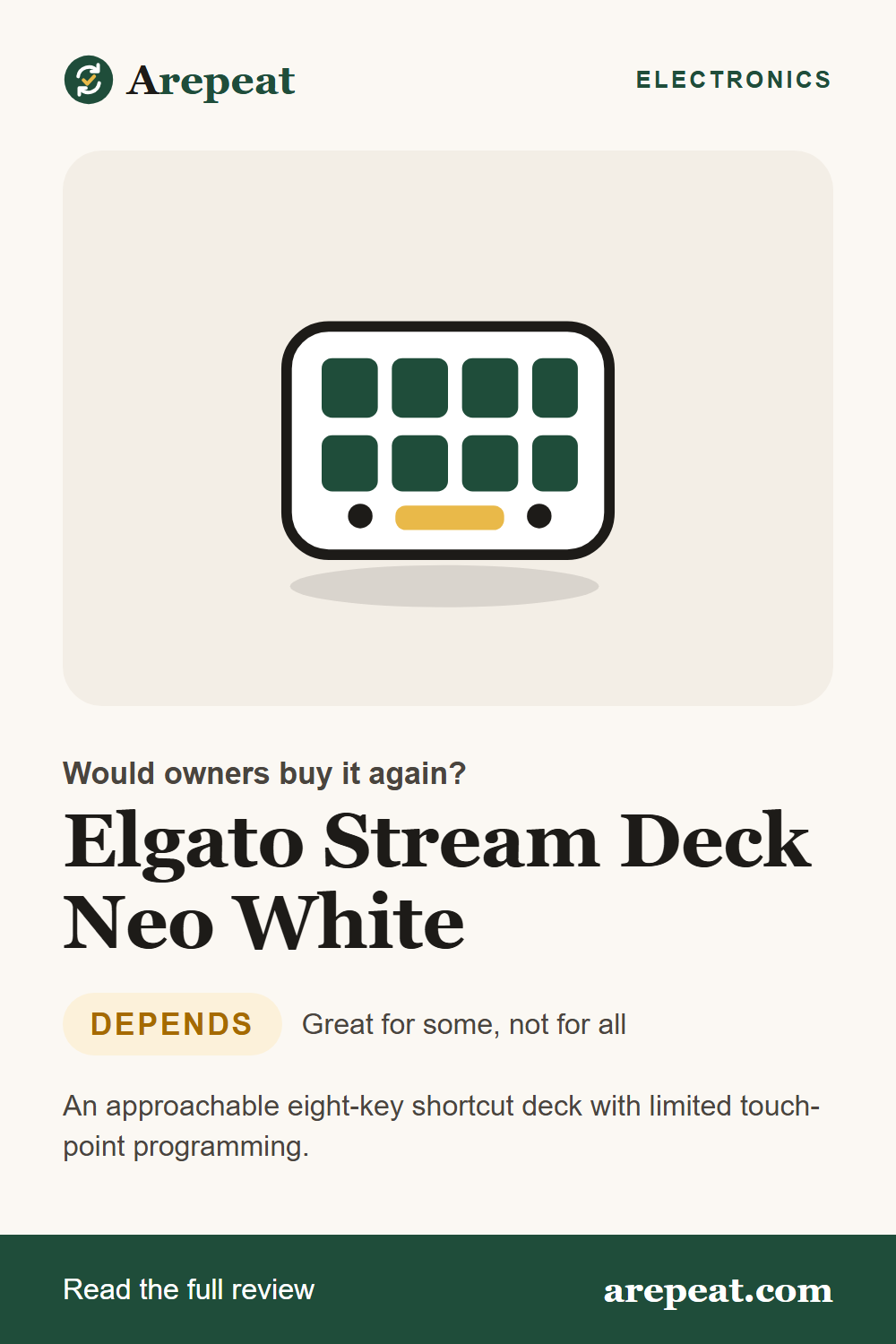
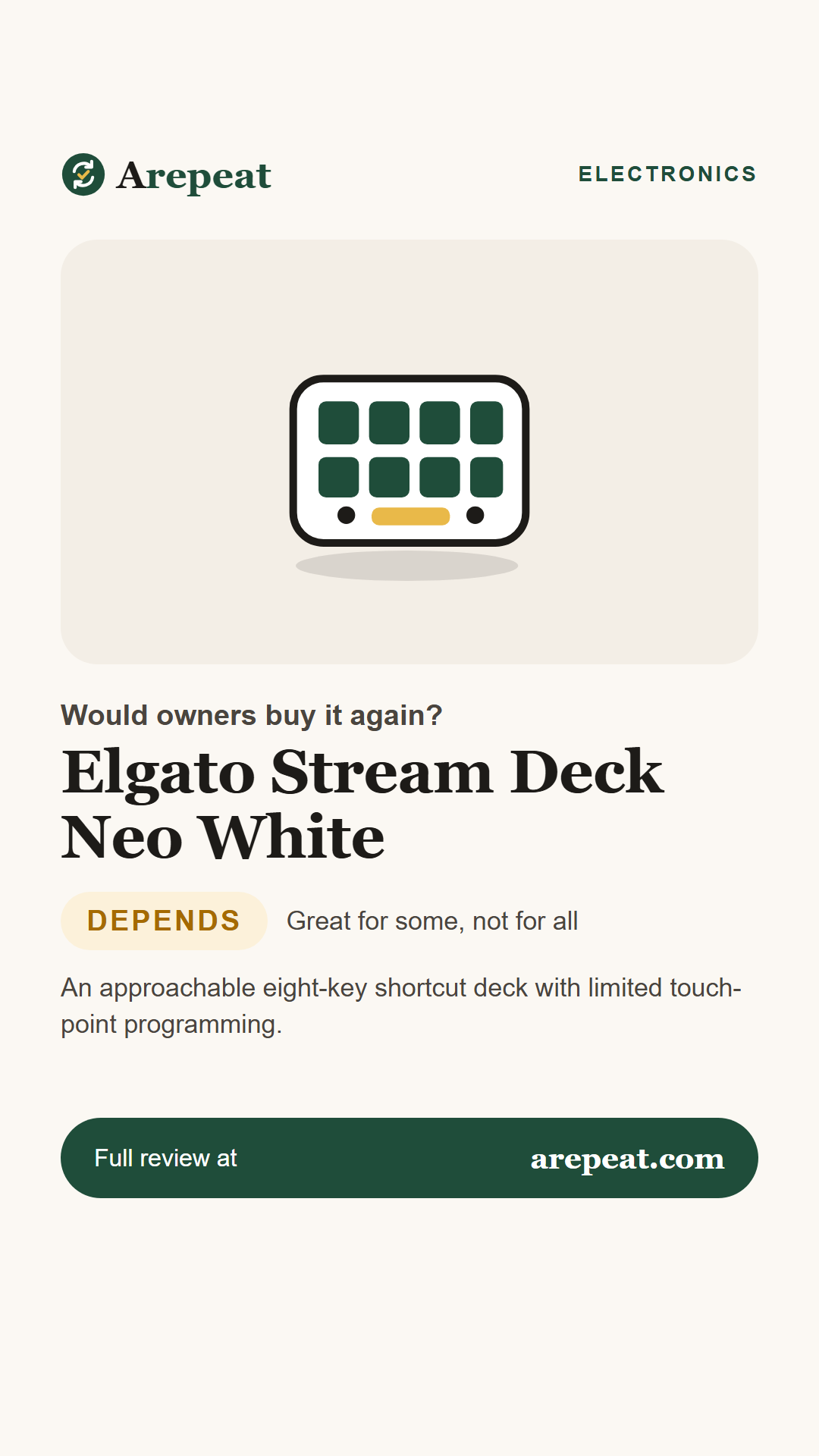
The Stream Deck Neo is a specific member of Elgato’s family, not just a smaller MK.2. It keeps the LCD key concept, includes a small information display and page-navigation touch points, and draws power over USB-C.
Most value comes from actions you actually repeat. Someone who rarely uses shortcuts may find the desk device attractive but unnecessary.
What owners say, at a glance
Bars are editorial visual summaries, not measured satisfaction percentages, survey results or laboratory scores.
The key specs
| Keys | Eight customizable LCD keys |
|---|---|
| Secondary display | Small Infobar for clock/page/status |
| Touch points | Two capacitive touch points, primarily page navigation |
| Connection | USB-C 2.0 integrated braided cable |
| Software | Stream Deck application on supported Windows/macOS |
| Dimensions | 107 x 26 x 78 mm per Elgato technical specifications |
What owners and testers like
What gives owners pause
How it holds up over time
Elgato provides software support details and a stated warranty, but neither proves decades of reliable button presses. The 2025 Tom’s Hardware sample supports observations about feel, setup and customization; we found no broad controlled failure-rate study for this exact model.
Who should get a full-size Deck?
If you need 15 immediately visible actions, extra buttons or a complex streaming workflow, Elgato’s larger MK.2 may be more convenient. The Neo is about compact, beginner-friendly access to a handful of repeated tasks.
Tips from owners and reviewers
- List repetitive actions first before assigning keys.
- Use multiple pages if eight physical keys are not enough.
- Check current OS support because Elgato has updated product requirements over time.
- Plan cable routing around the non-detachable USB-C lead.
Pros and cons
What owners love
- Eight easily labeled custom keys
- Beginner-friendly setup
- Compact integrated stand
- Elgato app ecosystem
What owners complain about
- Touch points have fixed roles
- No hardware dials
- Non-detachable cable
- Limited key count without pages
Other options worth comparing
The MK.2 offers more physical keys, while keyboard macros suit people who want no separate device.
| Product | Approach | Consider it if… | |
|---|---|---|---|
| Stream Deck Neo White (this review) | Eight LCD keys and Infobar | You want a modest dedicated shortcut pad | See on Amazon |
| Elgato Stream Deck MK.2 Read our review | 15 LCD shortcut keys | You need more actions visible at once | See on Amazon |
| Logitech MX Keys Mini Read our review | Compact productivity keyboard | You want keyboard shortcuts in one device | See on Amazon |
Would Neo simplify your day?
Confirm the exact eight-key Neo model, OS support and seller.
Frequently asked questions
How many customizable keys are there?
Eight LCD keys. The two touch points are primarily for navigation and have limited assignability.
Are the touch points fully programmable?
No. Tom’s Hardware specifically found customization limited compared with the main LCD keys.
Does it work without software?
Elgato describes using the Stream Deck desktop app to configure actions; check current OS requirements.
Is its USB cable replaceable?
The product comes with an integrated cable that is not designed as a detachable lead.
Save this review for later
Pin it, share it, or send it to someone who's shopping for one.
Sources we analyzed
- Elgato: Stream Deck Neo official — exact model/keys/touch points/Infobar
- Elgato Support: Neo tech specifications — device dimensions, cable, system requirement snapshot
- Tom’s Hardware: Stream Deck Neo hands-on — tested usability, button feel and touch limitations
- PriceHistory: white Neo Amazon listing — ASIN B0CVY4566H and SKU identification; not real-time availability
Figures reflect each source as of November 16, 2026 and may change. We summarize owner feedback in our own words and do not reproduce retailer reviews.