Logitech M240 Silent Review: Would Owners Buy It Again?
Disclosure: As an Amazon Associate I earn from qualifying purchases. If you buy through links on this page we may earn a commission at no extra cost to you. How this review was made: We did not use this mouse ourselves. Our verdict combines Logitech’s specifications, RTINGS’ independent test of the graphite model and individual owner comments. These sources do not establish a long-term failure rate. Our method.
A quiet, compact mouse for uncomplicated everyday work
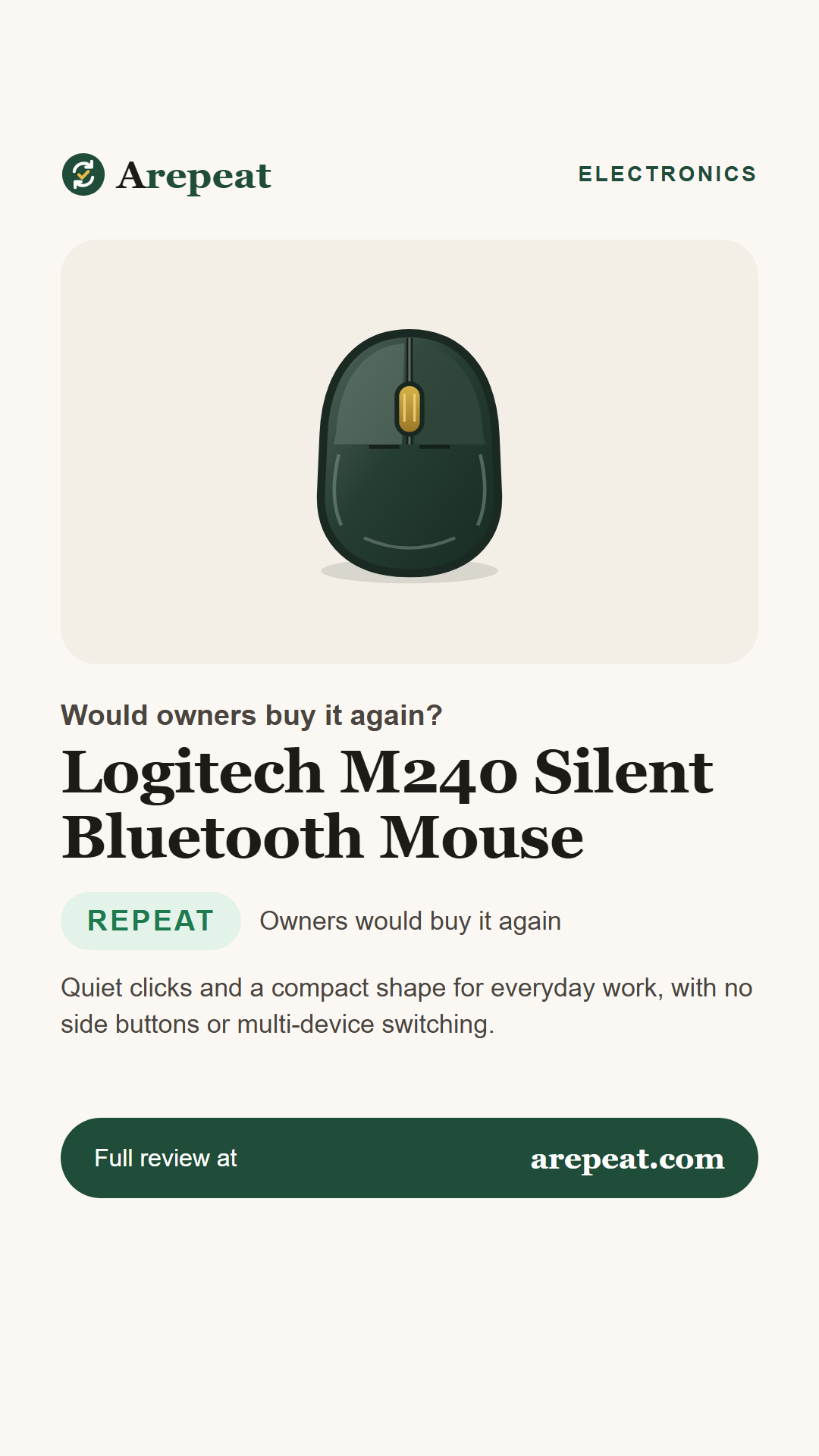
The M240 pairs over Bluetooth and keeps its left and right clicks quiet in RTINGS’ testing. Its small, symmetrical body is easy to pack, but it has no side buttons or multi-device switching and may be less comfortable for large hands during long sessions.
Check current price on Amazon → Prices and availability change often, so we don't list them here.Buy it again if you…
- want quiet clicks in a shared workspace
- prefer Bluetooth without a USB dongle
- need a small mouse for a laptop bag
Skip it if you…
- want side buttons or multi-device switching
- need a large hand-filling shape
- play fast competitive games
The Logitech M240 Silent is a small Bluetooth mouse designed for everyday browsing and office work. Its graphite version uses one AA battery and has a conventional scroll wheel, but no side buttons.
We compared Logitech’s specifications with RTINGS’ independent test and individual owner discussions. Arepeat did not test the mouse itself, and owner reports do not establish a failure rate.
What owners say, at a glance
Bars are editorial visual summaries, not measured satisfaction percentages, survey results or laboratory scores.
The key specs
| Version reviewed | M240 Silent, graphite |
|---|---|
| Connection | Bluetooth; no USB receiver included |
| Power | One replaceable AA battery |
| Buttons | Left, right and middle click |
| Scrolling | Conventional scroll wheel |
What owners and reviewers love
What owners complain about
How it holds up over time
RTINGS described the tested unit as well built, but that is a test of one sample rather than a long-term failure study. Logitech’s battery-life figure is a manufacturer estimate, not a measured service life. Individual complaints are worth checking but do not establish a product-wide defect rate.
Tips from owners and reviewers
- Check that your computer supports Bluetooth before buying; this model does not come with a USB receiver.
- Consider the size of your hand and how long you use a mouse each day.
- Keep a spare AA battery available, especially when traveling.
- Choose a mouse with side buttons if you routinely use navigation shortcuts.
Pros and cons
What owners love
- Quiet left and right clicks
- Small, symmetrical shape
- Bluetooth without a receiver
- Replaceable AA battery
What owners complain about
- No side buttons
- No multi-device switching
- Small for some larger hands
- Not designed for competitive gaming
Other wireless mice to consider
Two compact alternatives for different working styles.
| Model | Style | Consider it if… | |
|---|---|---|---|
| Logitech M240 Silent (this review) | Compact Bluetooth mouse | You want basic quiet clicks | See on Amazon |
| Logitech Pebble Mouse 2 M350s Read our review | Slim multi-device mouse | You want a flatter shape and device switching | See on Amazon |
| Logitech MX Anywhere 3S Read our review | Compact productivity mouse | You want more controls and advanced scrolling | See on Amazon |
Compare the Logitech M240
Check the graphite mouse and current package details before ordering.
Frequently asked questions
Does it include a USB receiver?
No. The inspected standard M240 listing specifies Bluetooth connectivity without a USB receiver.
Can it pair with several devices at once?
RTINGS reports that it does not support multi-device pairing.
Does it use a rechargeable battery?
No. Logitech specifies one replaceable AA battery.
Is it suitable for competitive gaming?
RTINGS says its sensor performance is adequate for casual play but not ideal for competitive games.

Save this review for later
Pin it, share it, or send it to someone who's shopping for one.
Sources we analyzed
- Logitech M240 product details — standard graphite model, connection and manufacturer battery-life claim
- RTINGS: Logitech M240 review — independent test of graphite unit, clicks, fit, controls and performance
- Amazon US: Logitech M240 graphite — direct product listing and selected color
- Reddit: M240 owner experience — individual experience of Bluetooth and quiet use
- Reddit: M240 scroll button report — individual scroll-wheel complaint, not failure-rate evidence
Figures reflect each source as of November 18, 2026 and may change. We summarize owner feedback in our own words and do not reproduce retailer reviews.